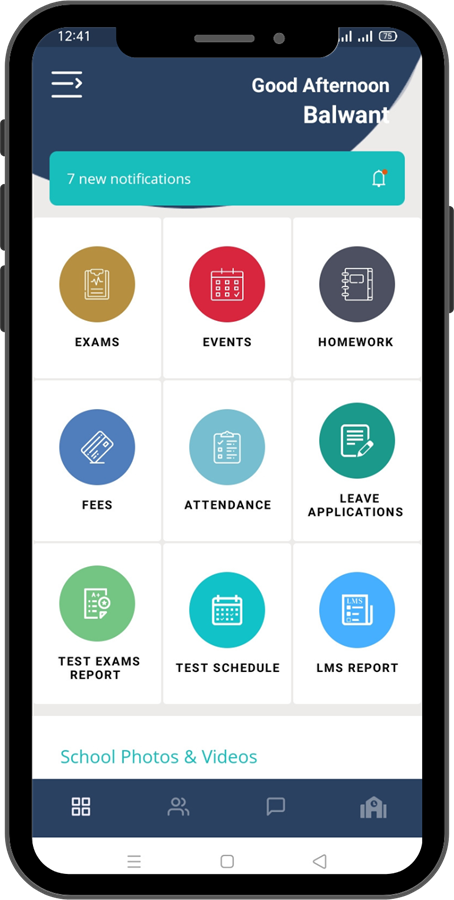
Paper registers take ten minutes of every class's morning, and the data reaches the office only at the end of the day — if at all. Biometric attendance for schools fixes both problems: attendance is marked in seconds at the gate or classroom, and it is in the system instantly.
Types of biometric attendance used in schools
Fingerprint
The most common and affordable option, and well proven for staff attendance. For young children, fingerprints can be harder to read and queues can build up at the device, so plan the number of devices carefully.
Face recognition
Contactless, faster and better suited to large numbers of students, which is why it is increasingly the preferred choice. We cover it in detail in face attendance for schools in India.
RFID cards
Students tap an ID card at the gate or on the school bus. Fast and child-friendly, but cards can be lost or swapped, so schools often combine RFID for students with face or fingerprint for staff.
Why ERP integration matters more than the device
A biometric device on its own just stores punches. The value comes when it is connected to your school ERP:
- Instant parent alerts — parents get a WhatsApp message when their child arrives or is marked absent. See WhatsApp and email integration.
- Class attendance without registers — teachers see who is present the moment they enter the class.
- Staff late marks linked to payroll — late arrivals and half-days flow straight into salary processing.
- Reports for management — chronic absentees and late-comers flagged automatically.
- Gate and visitor records in one place. See reception and gate management.
What to plan and budget for
- Devices — the number depends on students per entry point and your arrival window
- Installation, mounting, and network and power points at each location
- Software integration with your ERP
- WhatsApp or SMS charges for parent alerts
- Annual maintenance of devices
Common pitfalls (and how to avoid them)
- Too few devices at the gate — plan for your peak arrival window, not the daily total.
- No offline mode — devices should store punches when the internet is down and sync later.
- Poor enrolment — enrol every student carefully at the start of the session, and refresh young children's data periodically.
- Ignoring consent — biometric data is personal data. Inform parents, take their consent and keep the data secure.
- Standalone software — avoid devices that only export to Excel; insist on direct ERP integration.
Rolling it out in your school
Start with staff attendance, which delivers quick payroll benefits, then extend to students class by class. Share the plan with parents in advance, explain the arrival alerts they will receive, and keep a manual fallback for the first few weeks.
Biometric and face attendance with EdumaGix
EdumaGix biometric attendance supports fingerprint, face and RFID for students and staff — synced to the ERP, with WhatsApp arrival alerts for parents and late marks linked to payroll. It is part of the complete school ERP, and works alongside a school management system built for Indian schools.
Planning a rollout? Talk to our team about the right devices for your campus.